iOS Installation (No PC)
Install EZFN on your iOS Device without needing a PC
Requirements
- A working internet connection
- At least 5GB storage, depending on the Fortnite season
- Knowledge of your iPhone password
Getting Started
To install EZFN - Fortnite, you need to get the DNS first. The DNS allows you to keep your game working for a longer time.
So, download the DNS profile to get started.
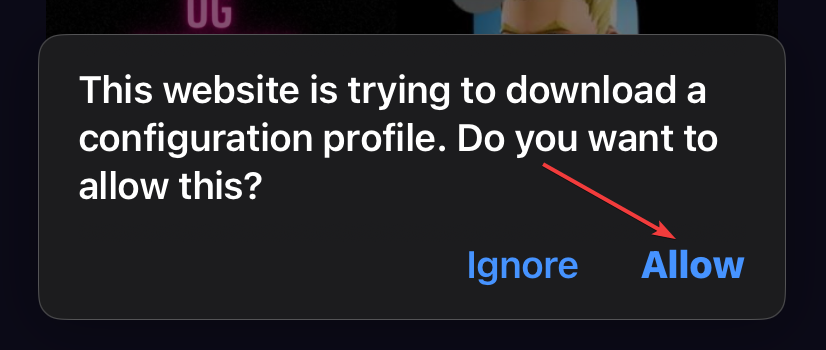
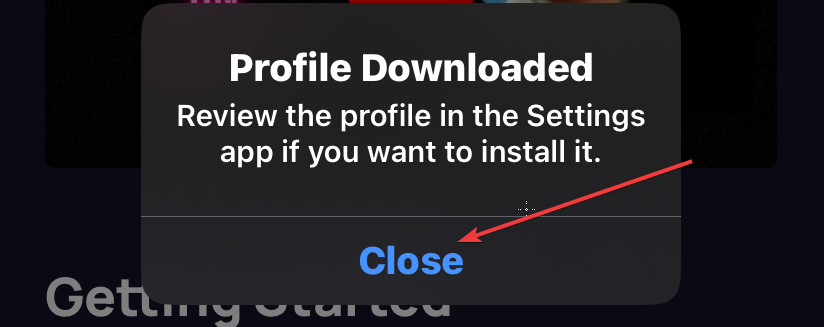
Click “Allow” and then “Close”
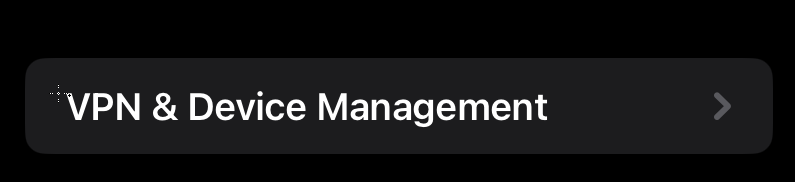
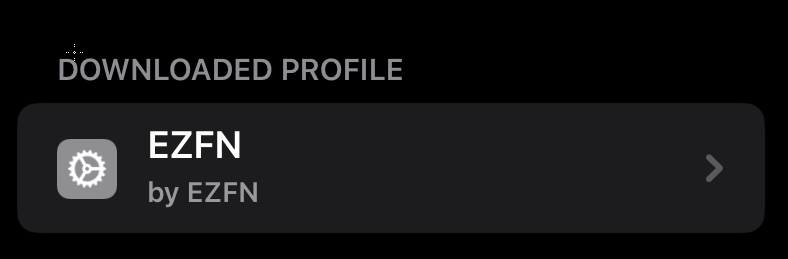
Now go into Settings > General > VPN & Device management and click on “EZFN”

Select “Install”, confirm your passcode and select “Install” again two times.
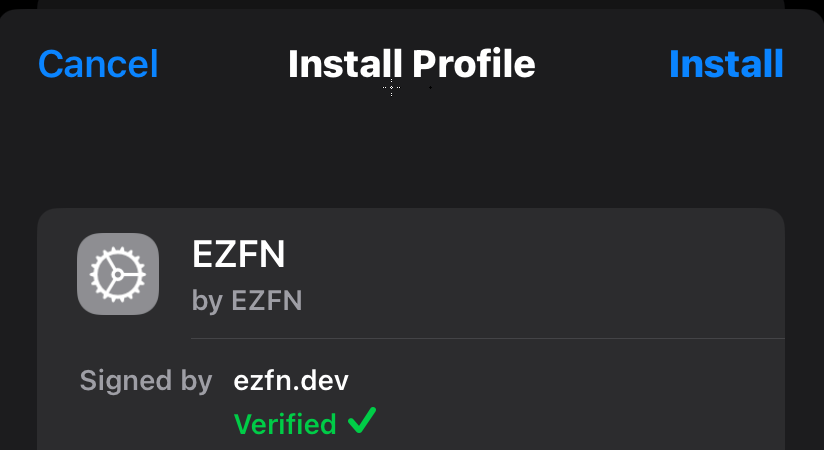
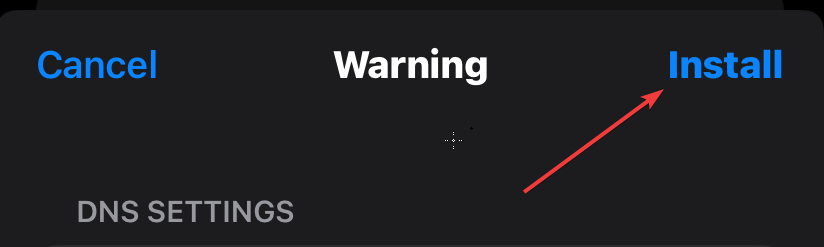
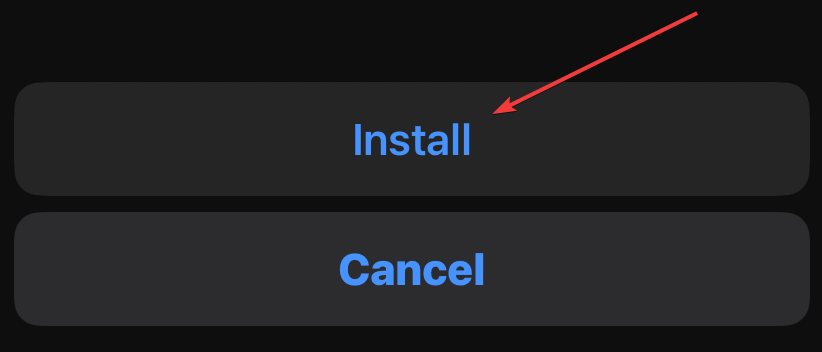
Installing the app
Now, you will see a new app called “EZFN” on your homescreen. Open it and you should be able to see a list of Downloads. In case you do not see any download, scroll down and check the known issues!
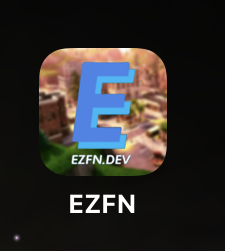
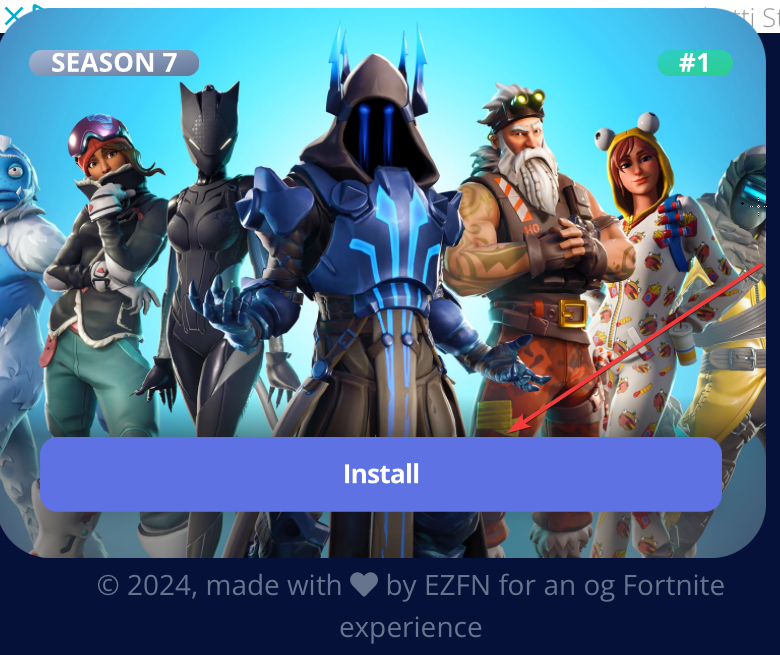
Once there, select a Fortnite version from the list and click on “Install”.
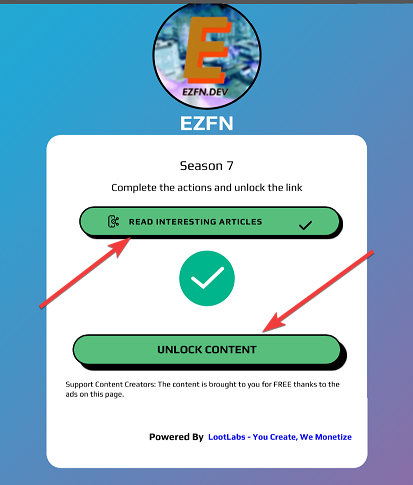
Complete the actions to unlock the link ( click on the action > let the page load > go back and when the button becomes green, click it )
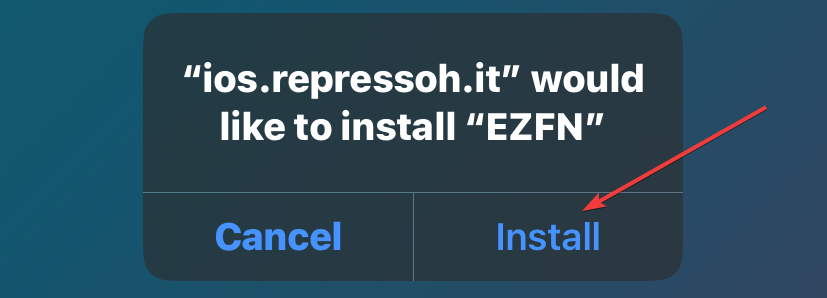
Now, click on Install and just wait for EZFN to install ( In case the download gives any error, scroll down and check the known issues!).
Once its Downloaded, it will give an error about “Untrusted Enterprise Developer”.
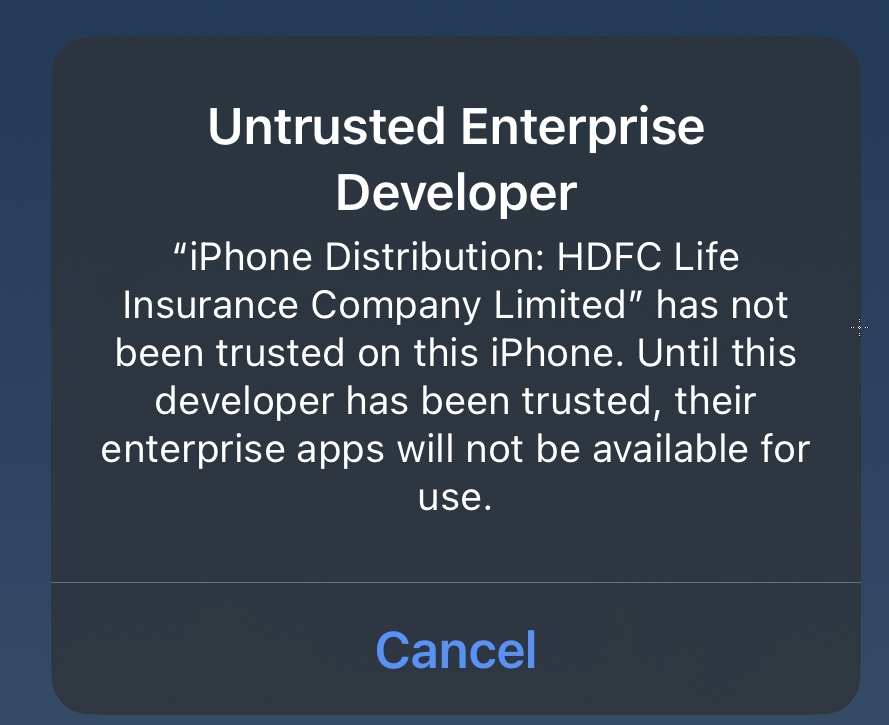
To fix this, go back to your settings > General > VPN & Device Management and select the entry under “ENTERPRISE APP”
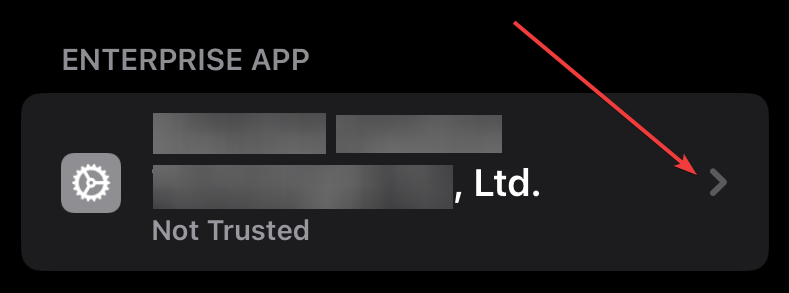
Once these, click on “Trust” two times.
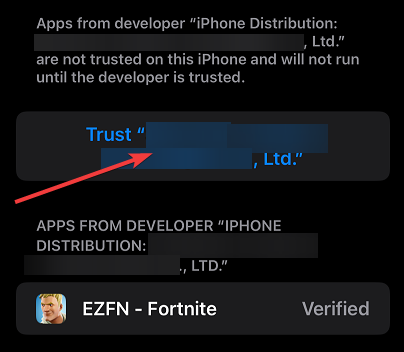
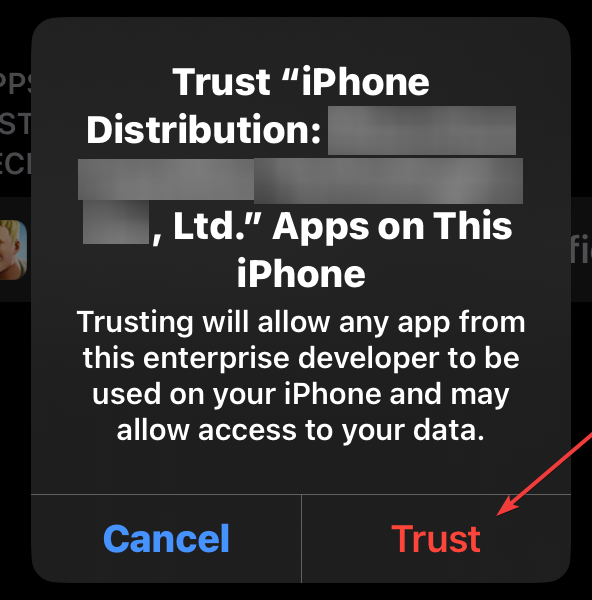
That’s it! You successfully installed EZFN.
Downloading the game
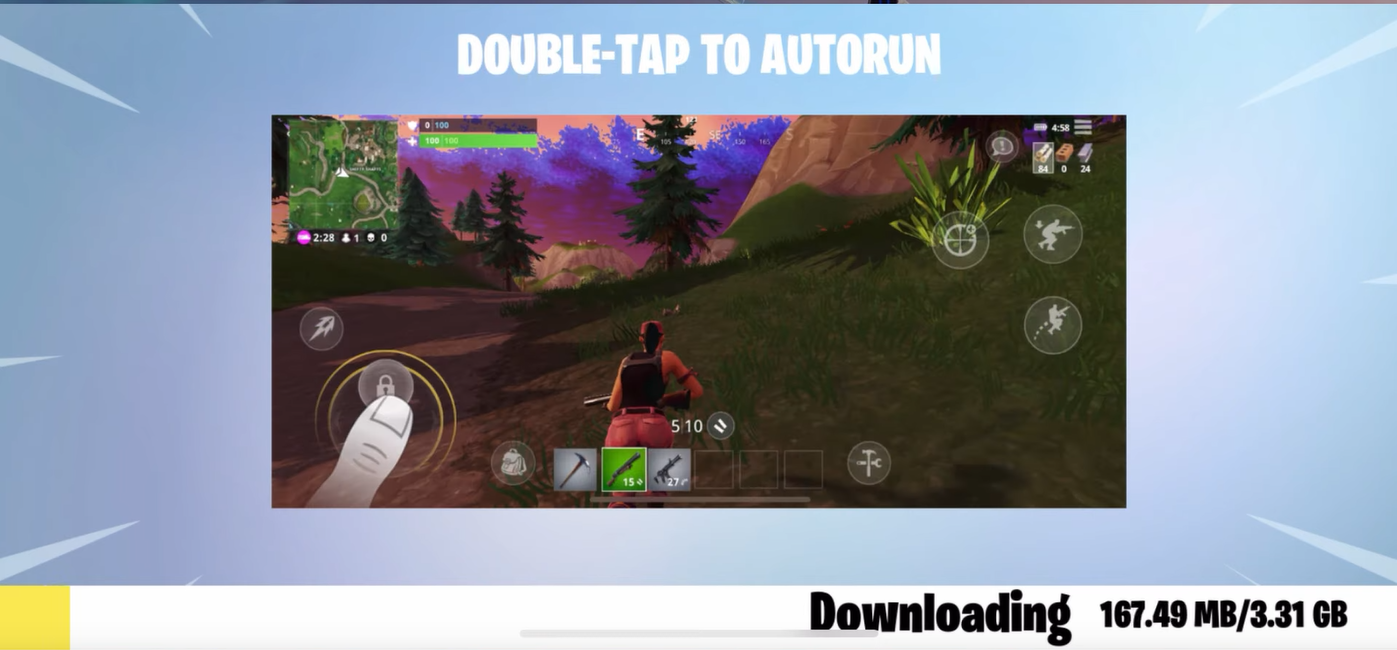
Now, the game download will start: it might take quite some time, sit back and relax while the magic happens!
Logging in
Once the download finishes, the game will ask you to register on login.
Press on the big “LOGIN” button
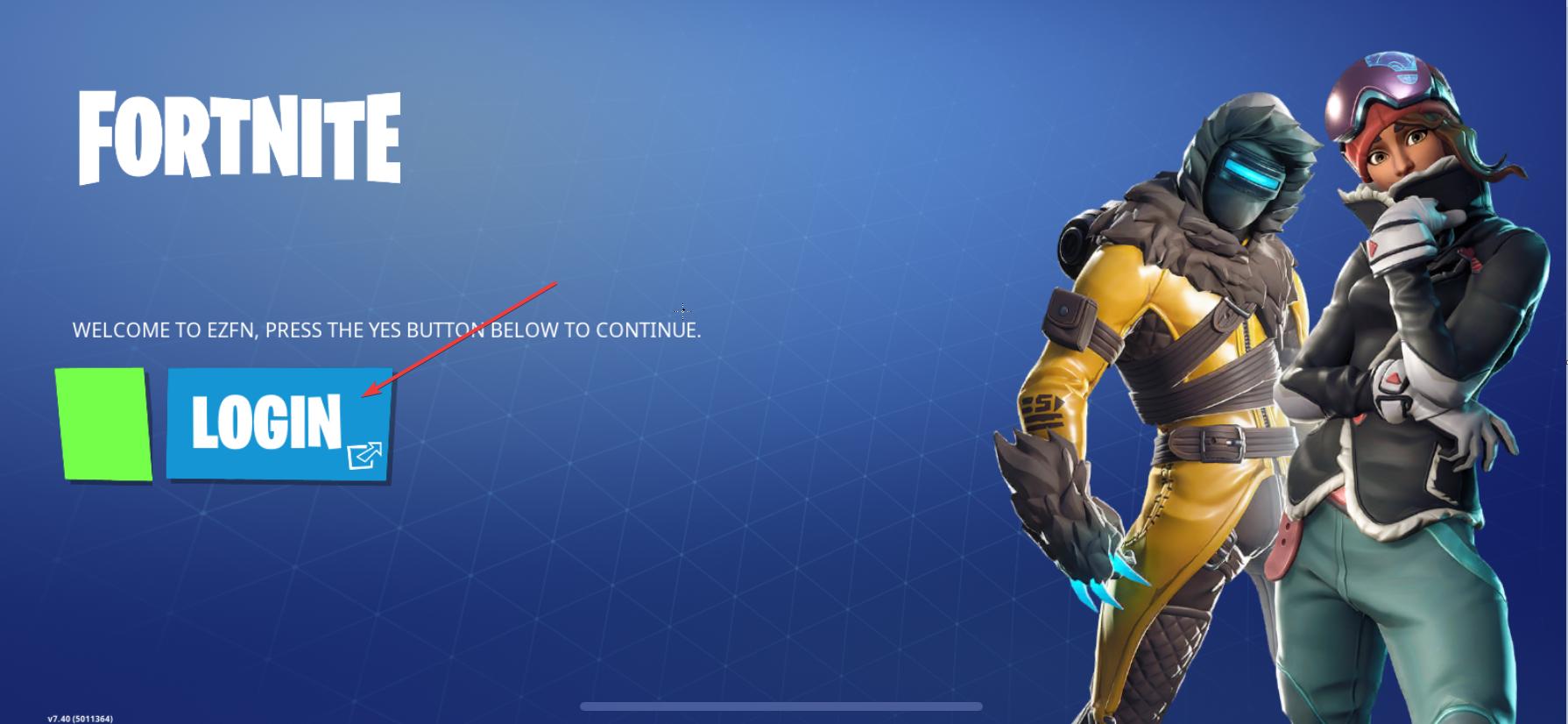
Once the page loads, put your email
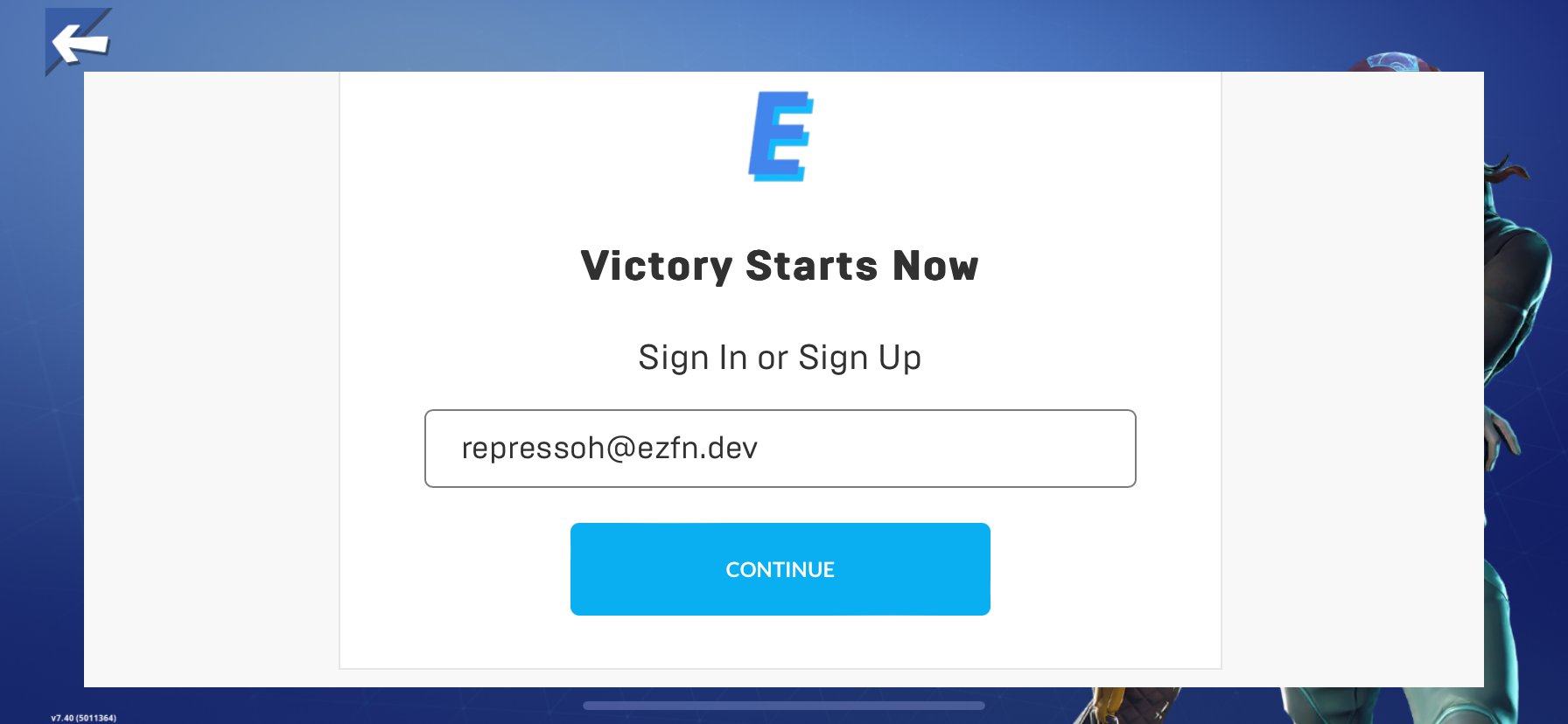
If you already used EZFN in the past, you will be prompted to login.
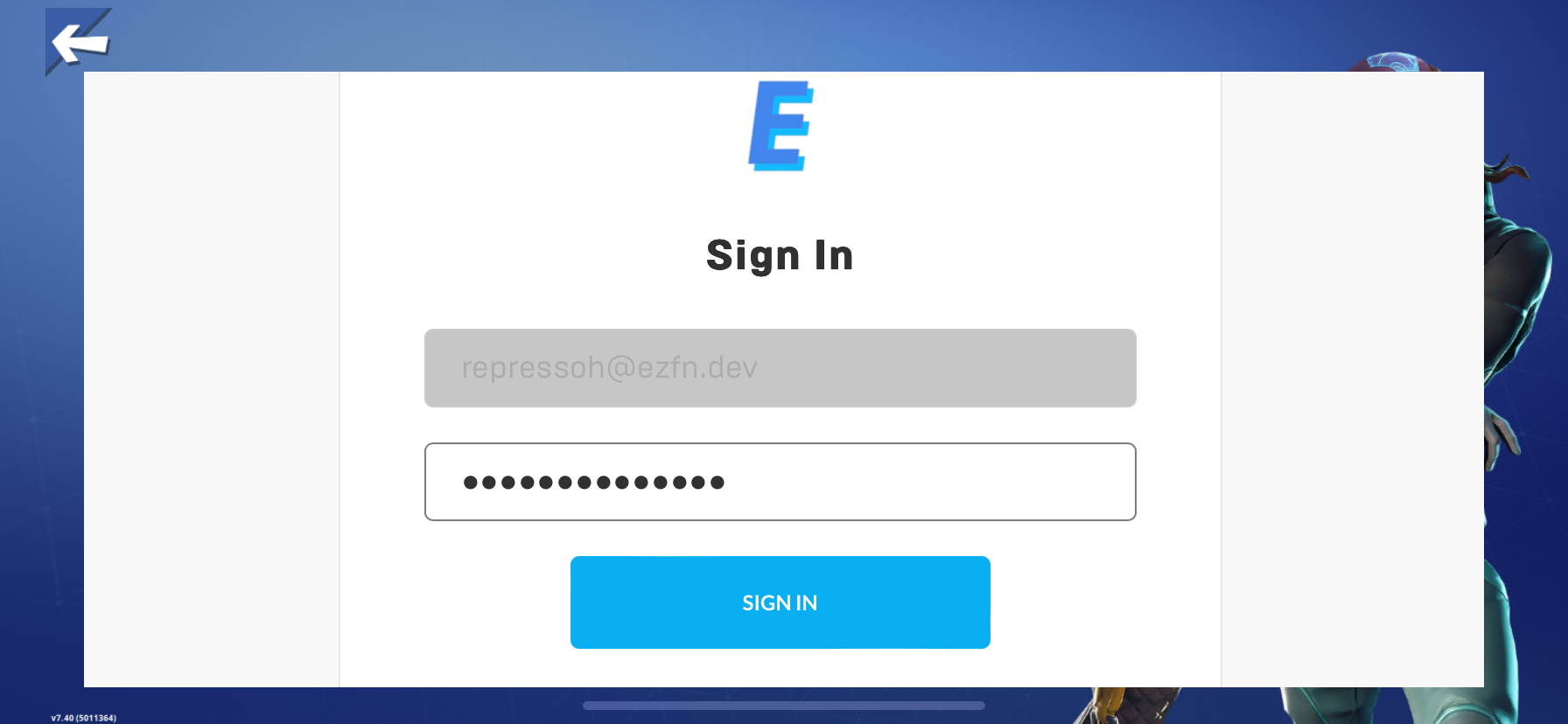
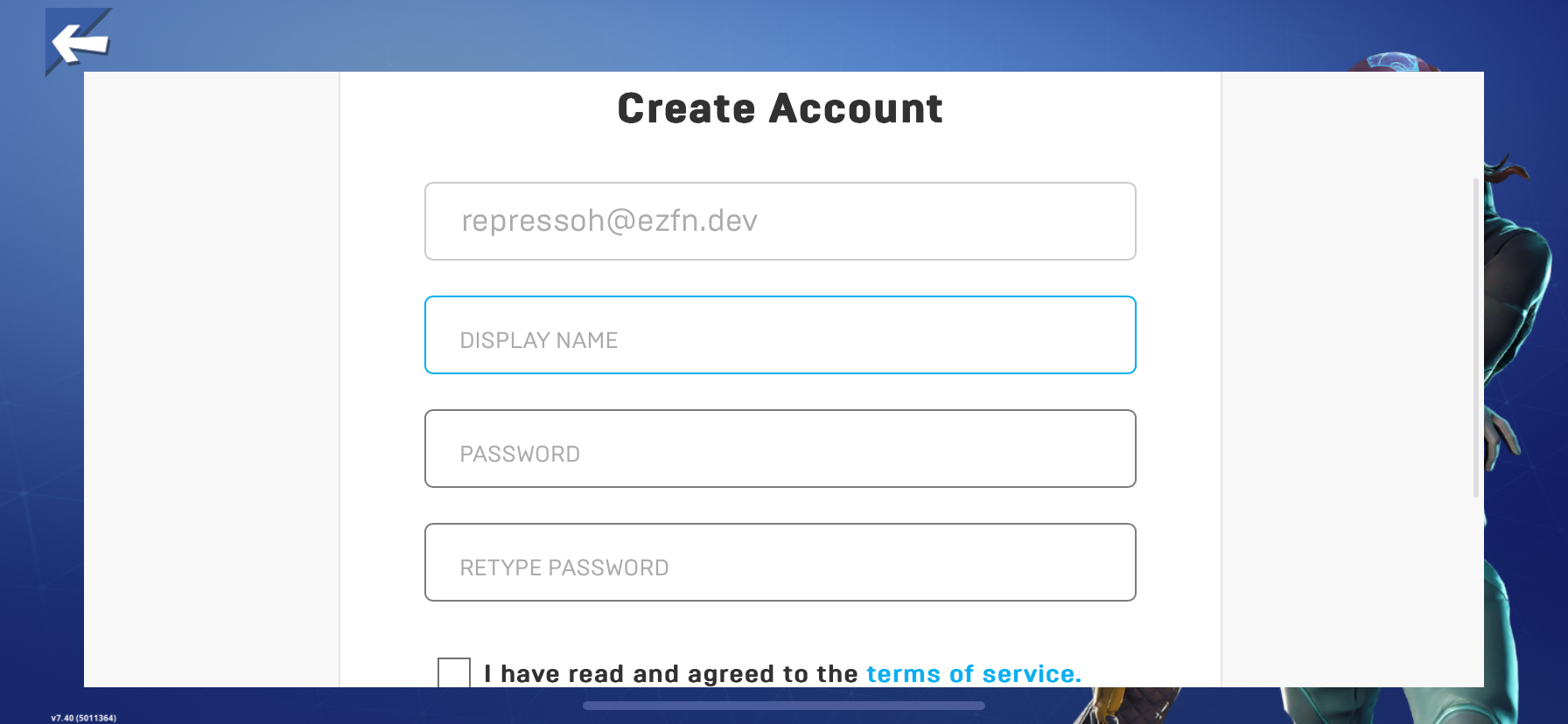
If you never used EZFN in the past, you will be asked to register
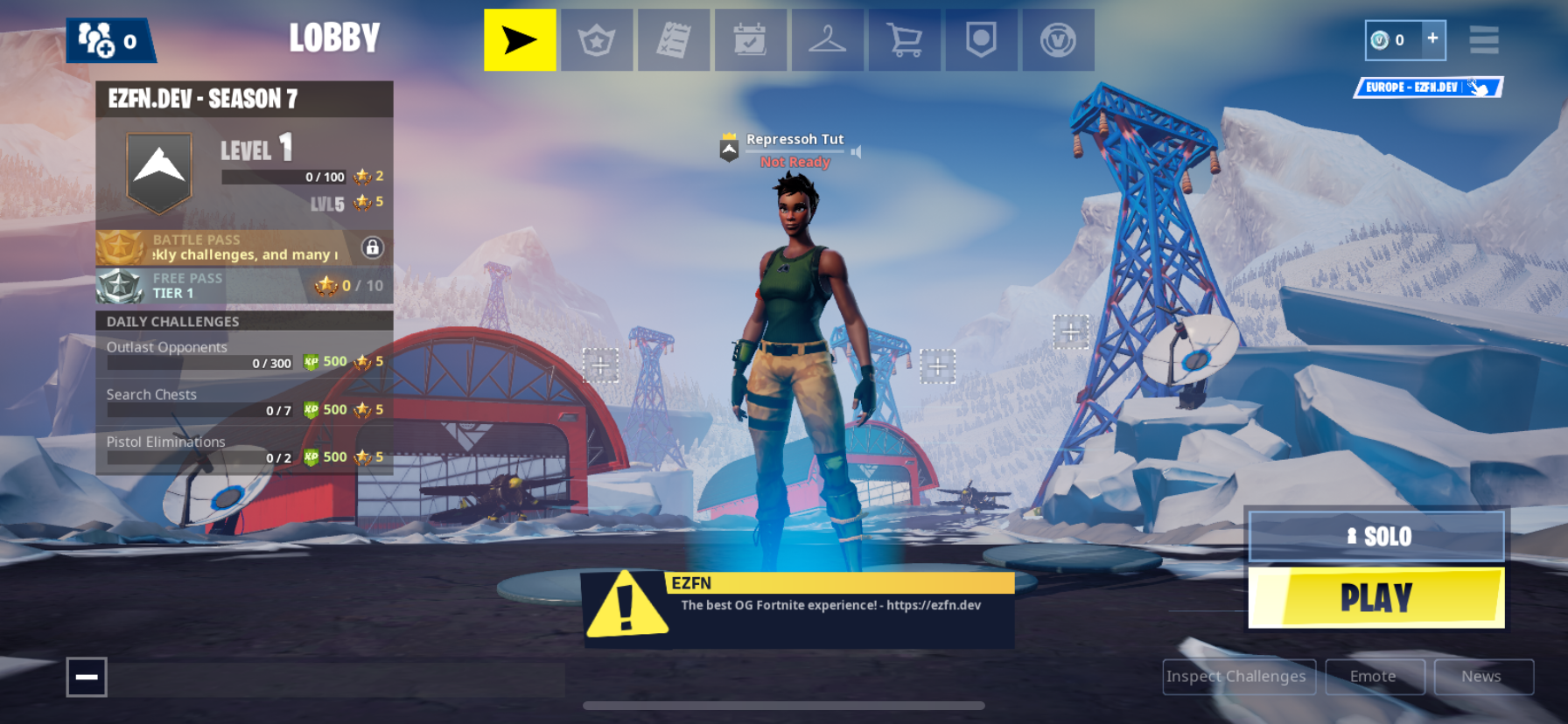
Once that’s done, you will be in the lobby: You did it!
Issues
Note: The enterprise certificate name shown in error dialogs (e.g. “Sunshine Insurance Group Co., Ltd.”) is normal and expected. EZFN uses third-party enterprise distribution, so the certificate name will not match EZFN.
- Unable to install “EZFN”
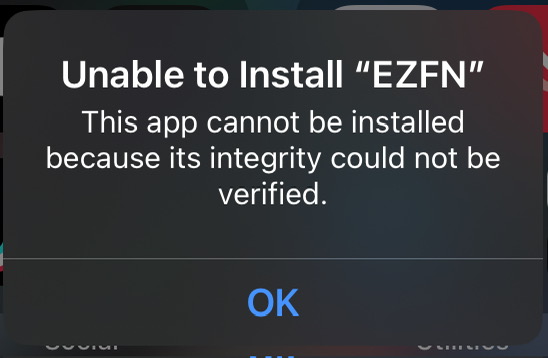
This happens because of apple blocking users to install unofficial apps. Try other downloads if available or join the Discord Server to get notified when a new download is available
- Unable to Verify App
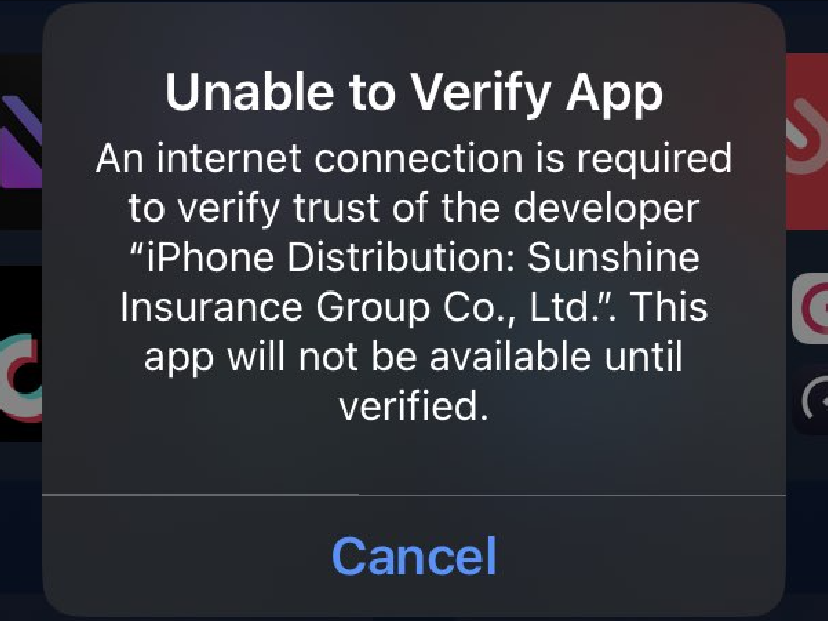
This happens because of apple blocking users to install unofficial apps. Try other downloads if available or join the Discord Server to get notified when a new download is available
Need more help?
Join the Discord Server for assistance.